

SQL Doc is a useful tool, designed to enable users to generate database documentation in an easy and fast manner. All documentation generated by using this program can later be saved as HTML, Microsoft HTML Help (.CHM), and Microsoft Word formats. SQL Doc also offers the possibility to generate documentation for information within the SQL Server Management Studio (SSMS).
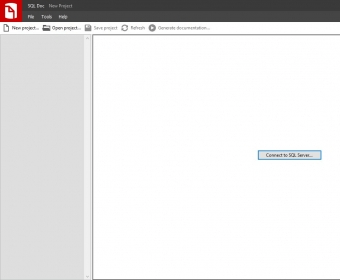
This usefulness of this application resides not only in its capacity to swiftly produce certain documentation, but also in the way its interface is structured. Thus, on the left-hand side of the main window, there is a list with databases and projects that need to be documented, and on the right side there is a preview of all information that you are about to document.
One of the great things about using this application is the fact that all database documentation automatically include all information regarding object definitions and dependencies. Furthermore, SQL Doc is compatible with SQL Server 2000, SQL Server 2005 and SQL Server 2008.
To conclude with, SQL Doc is a useful application, because it efficiently generates professional, high-quality database documentation. Due to its two-sided user interface, all the necessary information regarding certain database documentation will be displayed at the end of each project, so as to be straightforwardly accessible.






Comments